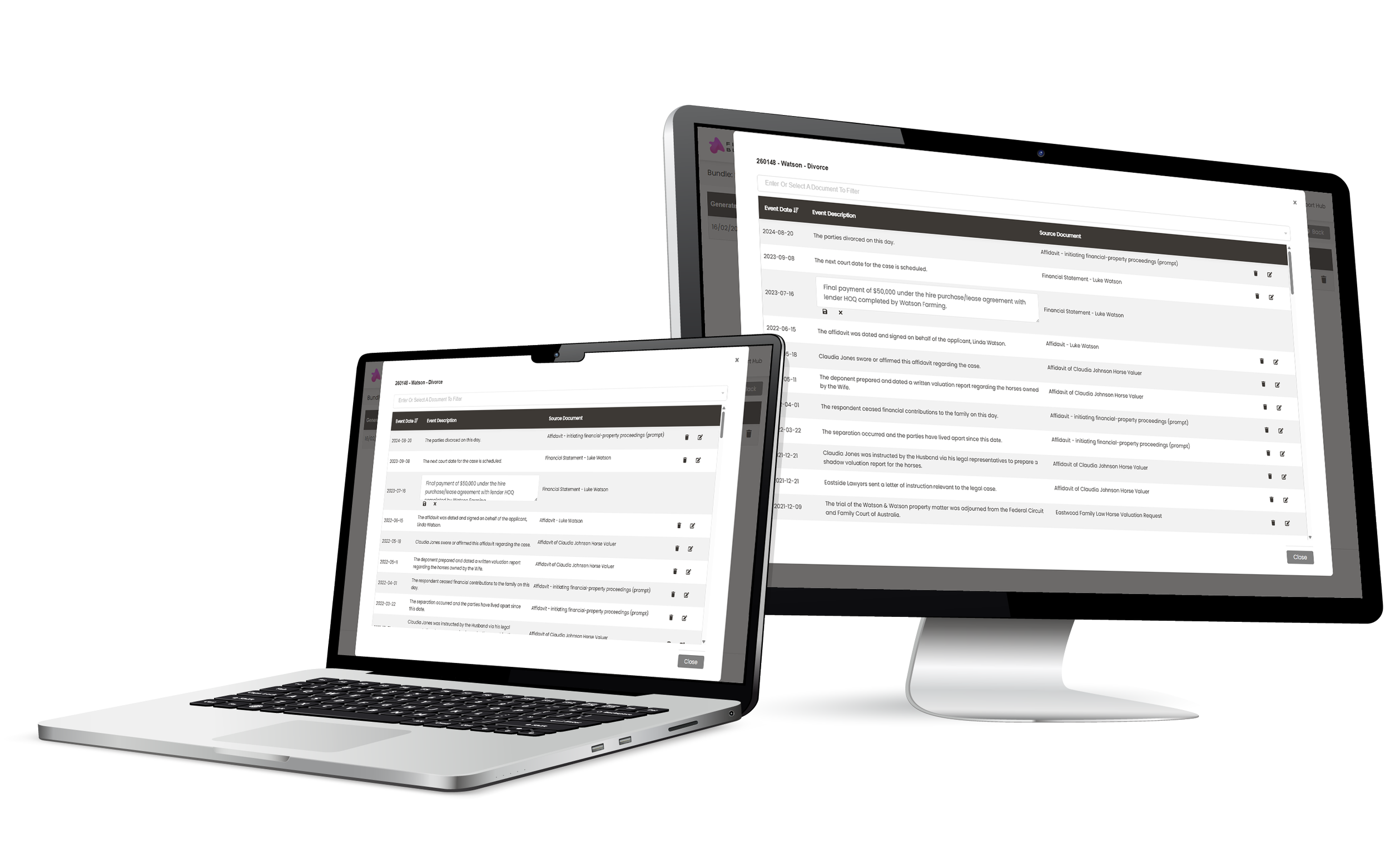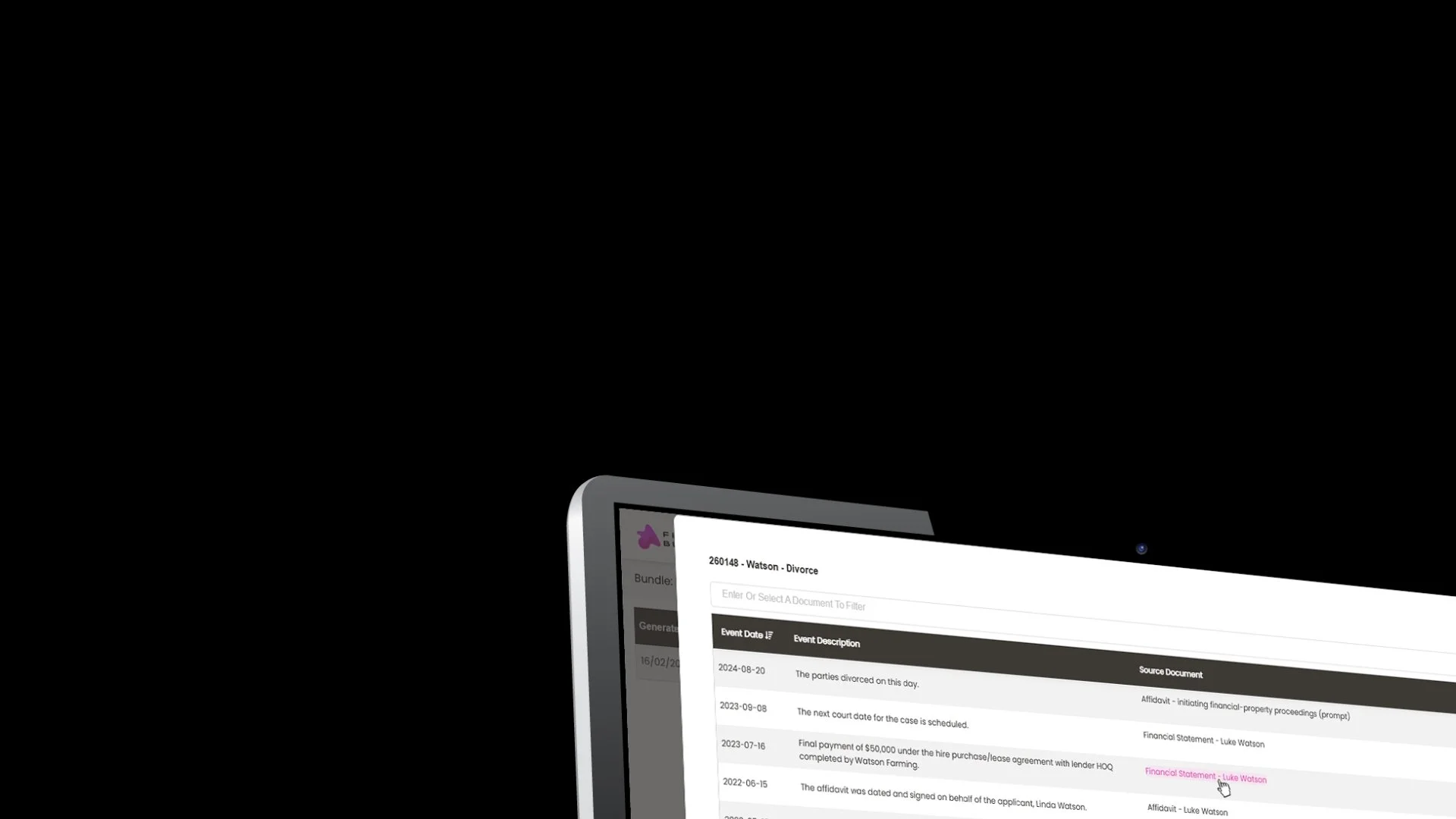
Immediately add a chronology to your bundle*.
Built where your documents already are, easy to edit and ready to share.
It’s the best place for it.
*Free trial available - subsequent fees may apply.What to expect
What to expect
Generate a case chronology report directly within your bundle. Fast, accurate, easily editable and securely created within Bundle Studio ready to share.
Use high grade AI to automatically generate a chronology from your bundle to visualise the facts and argue with confidence.
❋ Transform chaos into clarityCreate a chronology where it makes most sense - as part of the bundle containing everything important to your case and ready to share.
❋ Part of your bundle❋ Select what mattersEasily select whether to use the whole bundle, certain sections or documents to create the chronology, making it pinpoint accurate.
Update your chronology report with added detail or change details to ensure you are presenting exactly what’s relevant to your case.
❋ Easy to edit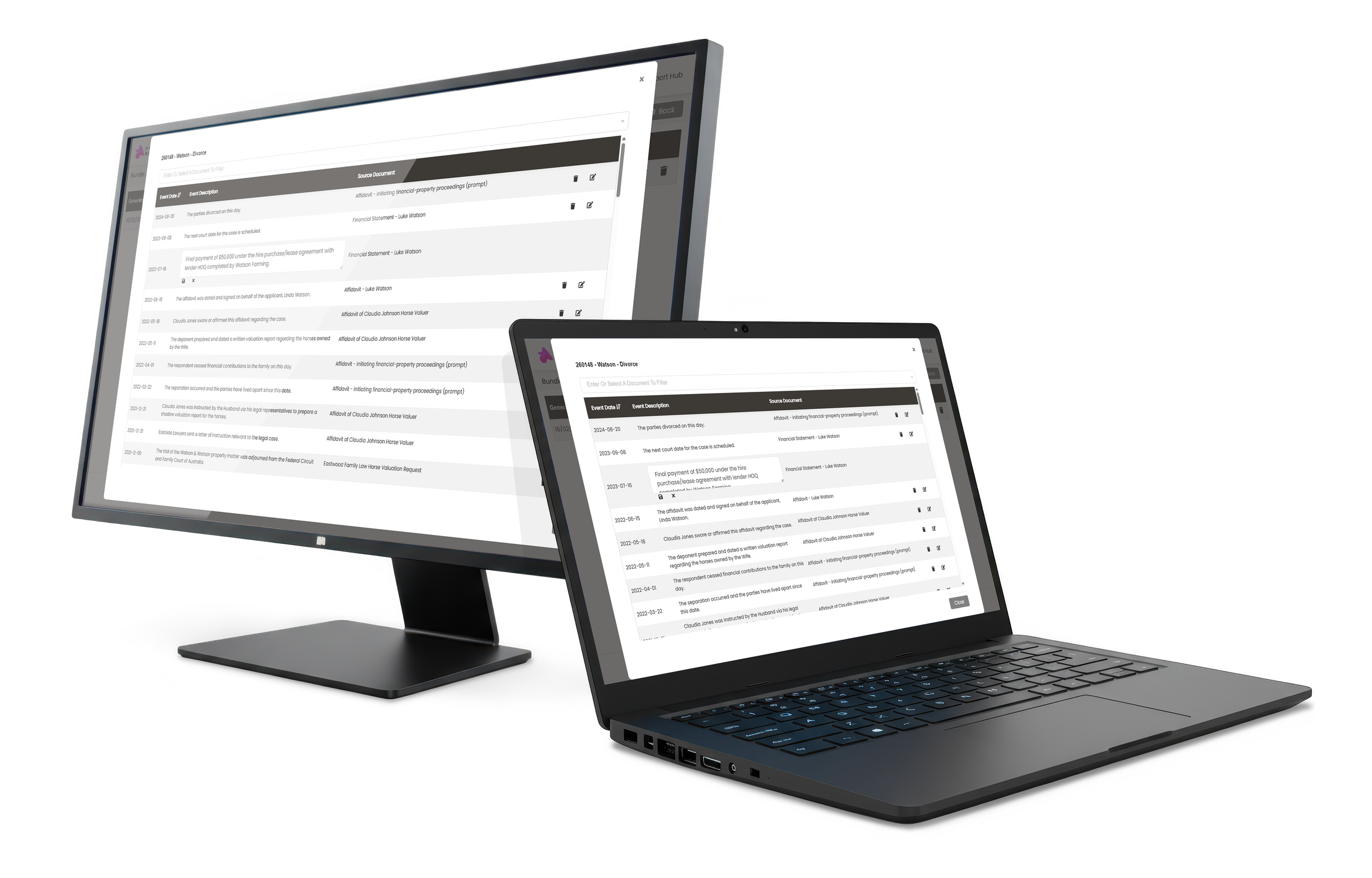
Build your chronology reportEasy as 1, 2, Chronology.
We’ll guide you through your first time, step-by-step right in Bundle studio, and if you’ve ever got questions let us know and we’ll point you in the right direction.
*Free trial available - subsequent fees may apply.
Step 1Press the Chronology button in your bundle.
Step 2Choose to include the whole bundle, sections or documents
ChronologyFine tune and send as part of your bundle.
Join a webinar and get the lowdown on our Chronology feature and how to use it.
Learn with File Republic
Frequently Asked Questions
-
Aside from being asked for it by our Bundle Studio users, it just made sense that a Chronology Report would be integrated directly into a bundle.
They are increasingly included within court bundles and we wanted to give users the ability to create them right there in Bundle studio.
-
We utilise an enterprise-grade AI API to generate your reports. Unlike public AI tools, our integration operates under a strict strict privacy policy where your data is never used to train AI models. Your information remains confidential, is encrypted in transit and at rest, and is not visible to other users.
-
After your Chronology Report has been created you can easily edit within Bundle studio or choose to download as a PDF or Word doc.
-
You choose how you want to use your report - import it into the Bundle, download as a PDF or as a Word doc. You’re in control.
-
We take all feature suggestions into our innovation process and ensure that they fit with our vision of giving Bundle Studio users a user friendly platform to create flawless bundles in less time, every time.